👑 Settlement Guide
Pro/Trial servers have access to the Settlement Page, which automatically tracks and nets auction transactions.
Settlement Channel
Run /setup to create a "settlement" channel. After each auction, the unsettled total and a link to the settlement page are displayed.
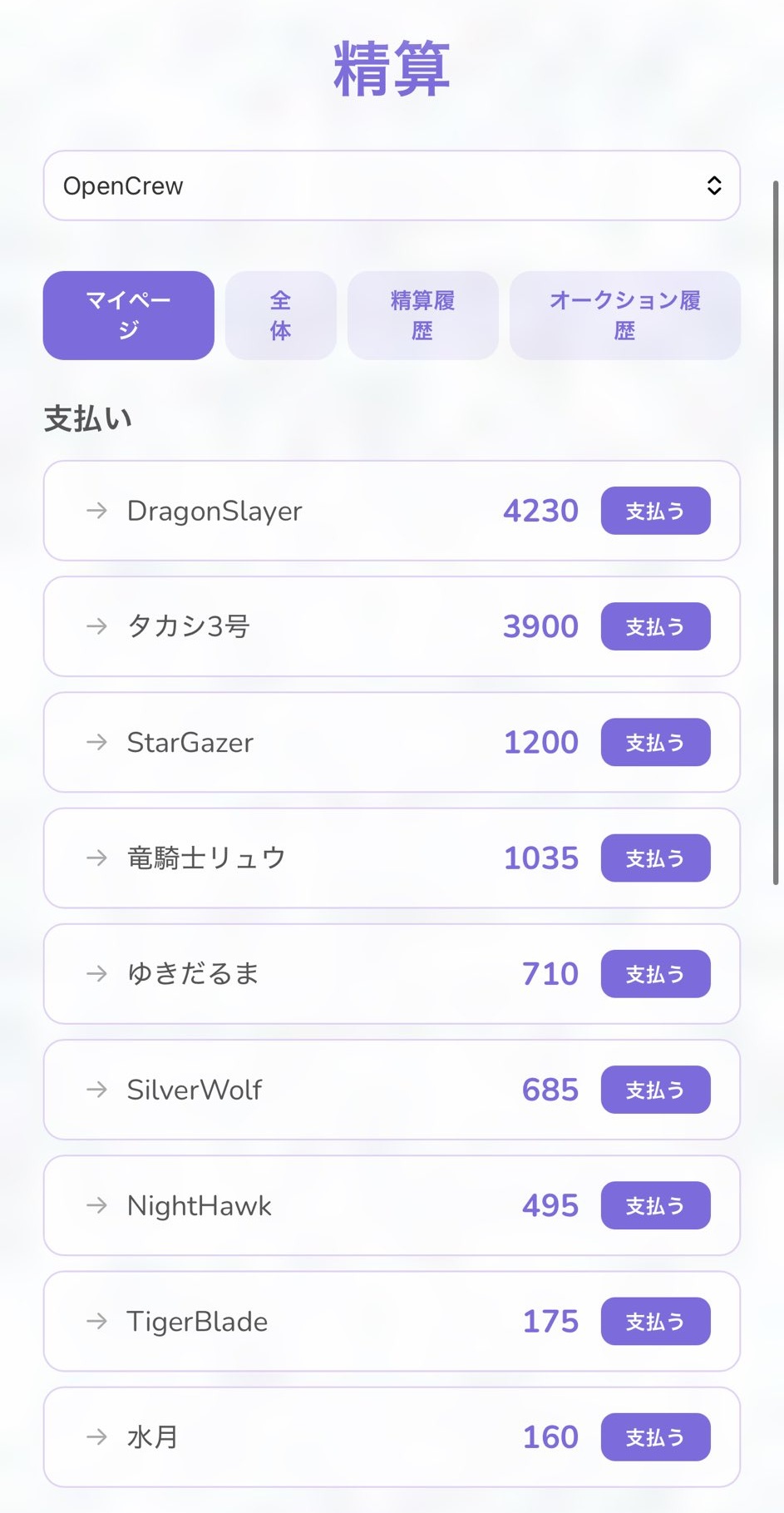
My Page
Shows who you need to pay and how much. Use the "Pay" button to report payments (with confirmation).
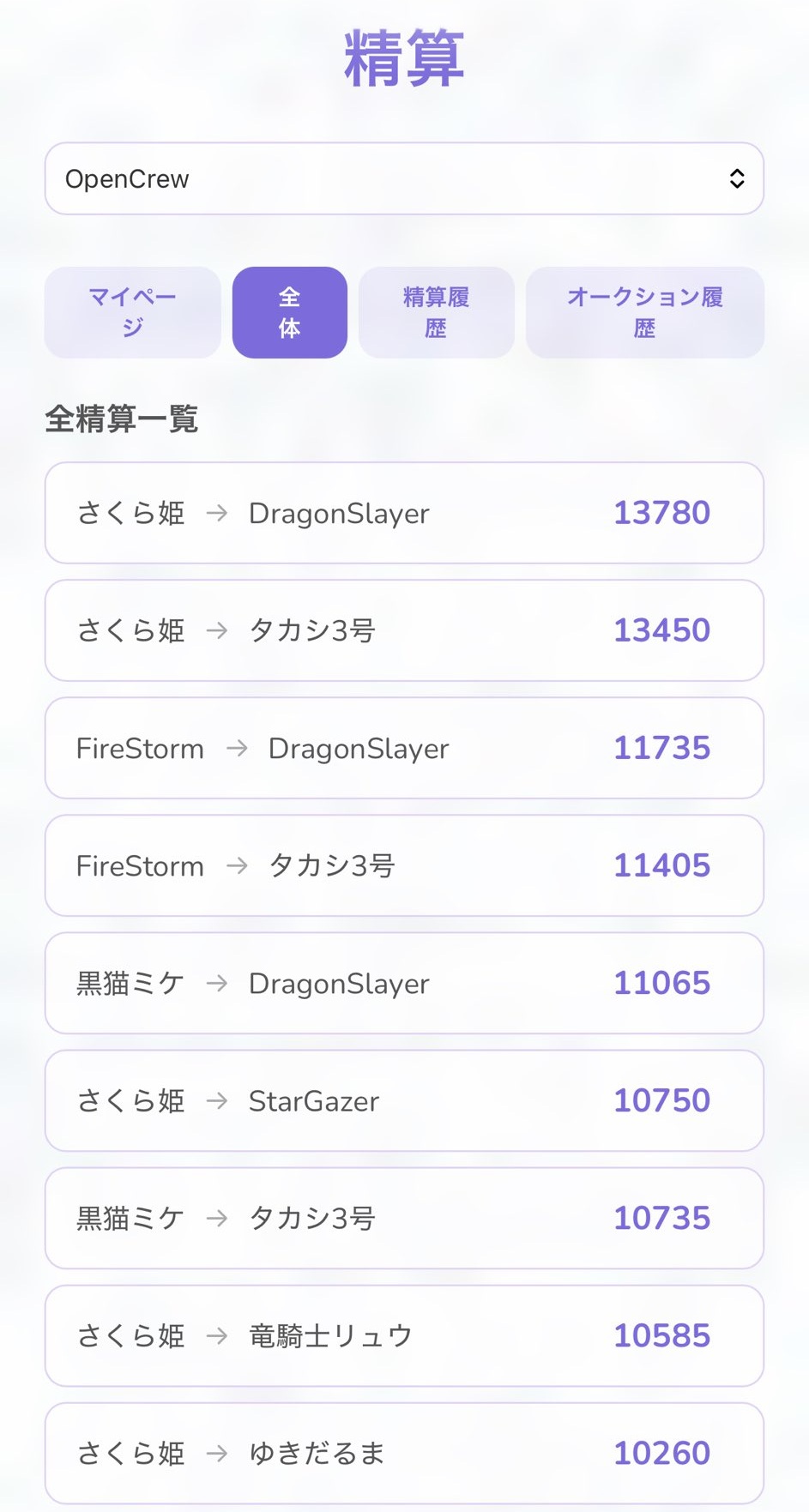
All Settlements
Shows the full list of unsettled transactions for the guild, after bilateral netting (offsetting).
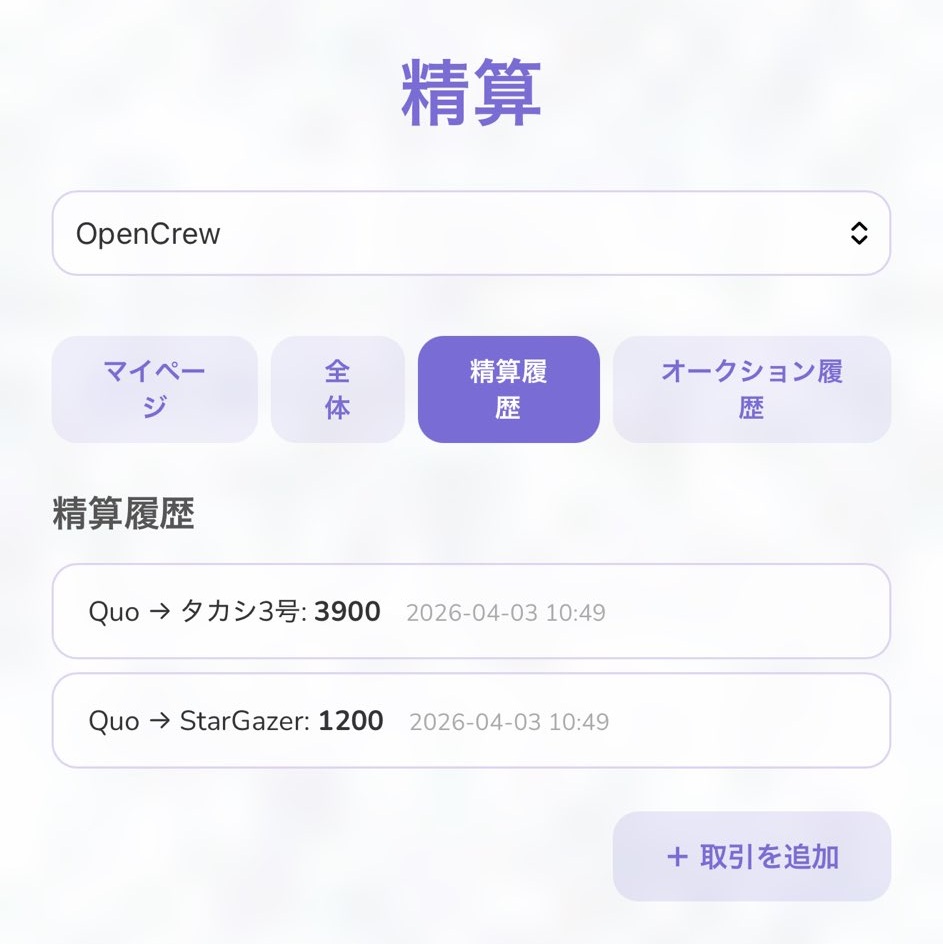
Settlement Log
A record of all payment reports as evidence. Shows when, who, to whom, and how much was paid.
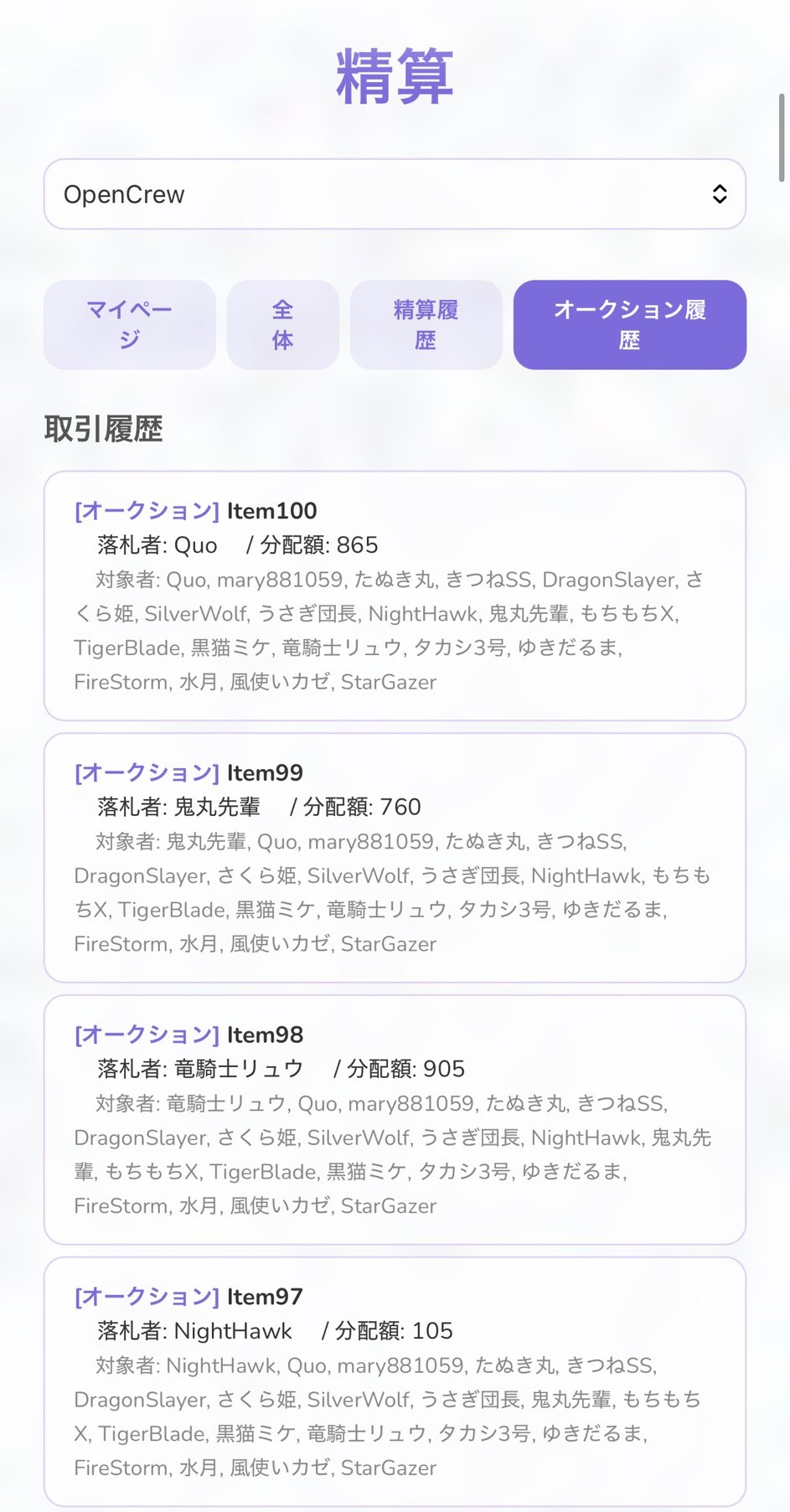
Auction History
Past auction results grouped by item. Shows the winner, distribution amount, and participants.
Manual Transactions
Use "+ Add Transaction" to add non-auction transactions (loans, etc.) to the settlement table. A memo is required.
What is Netting?
Offsets transactions between each pair across multiple auctions. For example, if A owes B 500 and B owes A 300, only A pays B 200. This greatly reduces the number of in-game transactions.